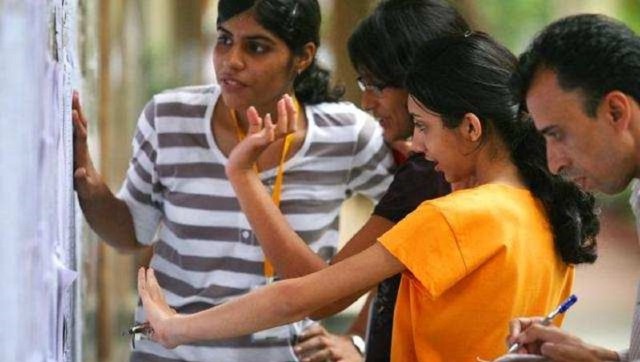
 "Samastha Kerala Sunni Vidyabhyasa Board public exam results declared; check scores at samastha.in")
The Samastha Kerala Sunni Vidyabhyasa Board has declared the results of the examination of classes 7, 10, and 12 on its website. Students can view the results using their registration number. The examination was conducted on 3 and 4 April by the board. Students can follow these simple steps to check the results: Step 1: Visit the website https://samastha.in/index.php Step 2: On the homepage, find the section ‘Exam Results’ and click on it Step 3: A new page will open. Now click on the link ‘ENGLISH MEDIUM PUBLIC EXAMINATION - 2021 JANUARY - MARCH’ Step 4: When the new page loads, select your class and enter the registration number Step 5: The Samastha Kerala public exam result will be displayed. Download it Step 6: Take a print out and keep it safely for future reference Here’s the direct link to check the results Students who are not satisfied with their results can apply for a re-evaluation through the website. The application form and fee for re-evaluation should be paid online. Revised results will be declared after the board re-evaluates the paper of those students who apply for rechecking. The Islamic Educational Board provides education to students from -2 to +2. It is led by Indian grand Mufthi Moulana Sheikh Aboobacker. According to the website, more than 90 percent of the madrassas affiliated with the board operate for two hours before 9 am. Students are imparted spiritual and moral education in this duration and then go to government-recognised schools for general education.
Students can view the results using their registration number
Advertisement
End of Article

 "Charlie Kirk, shot dead in Utah, once said gun deaths are 'worth it' to save Second Amendment")
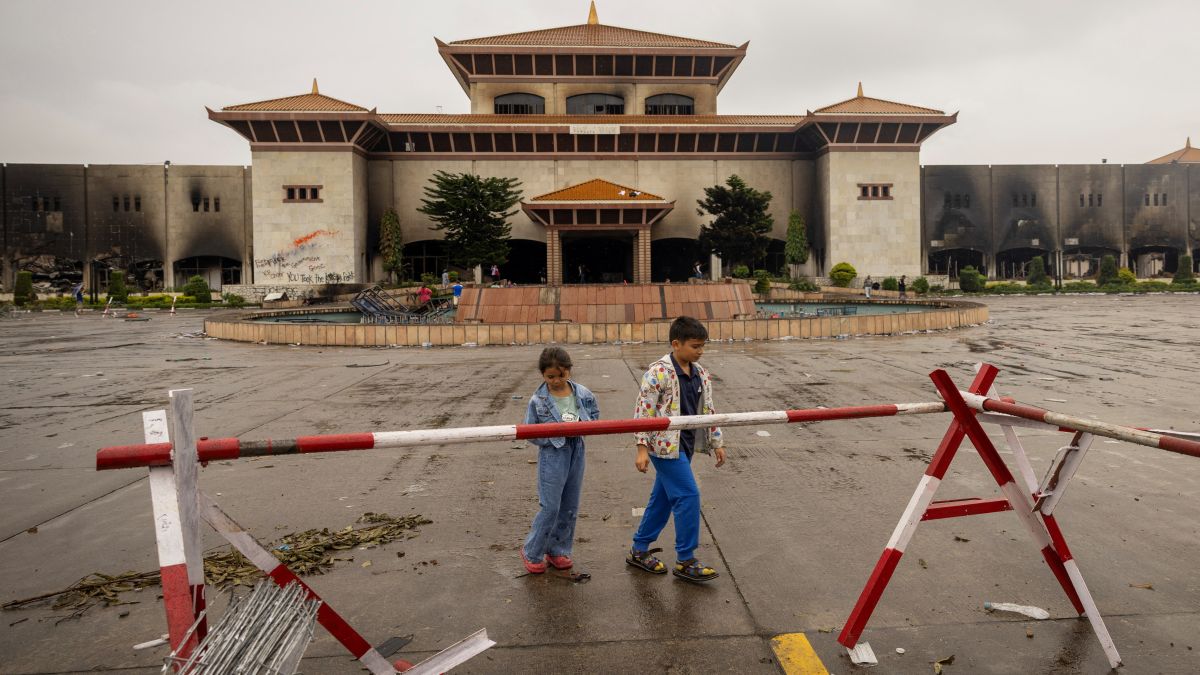 "From governance to tourism, how Gen-Z protests have damaged Nepal")
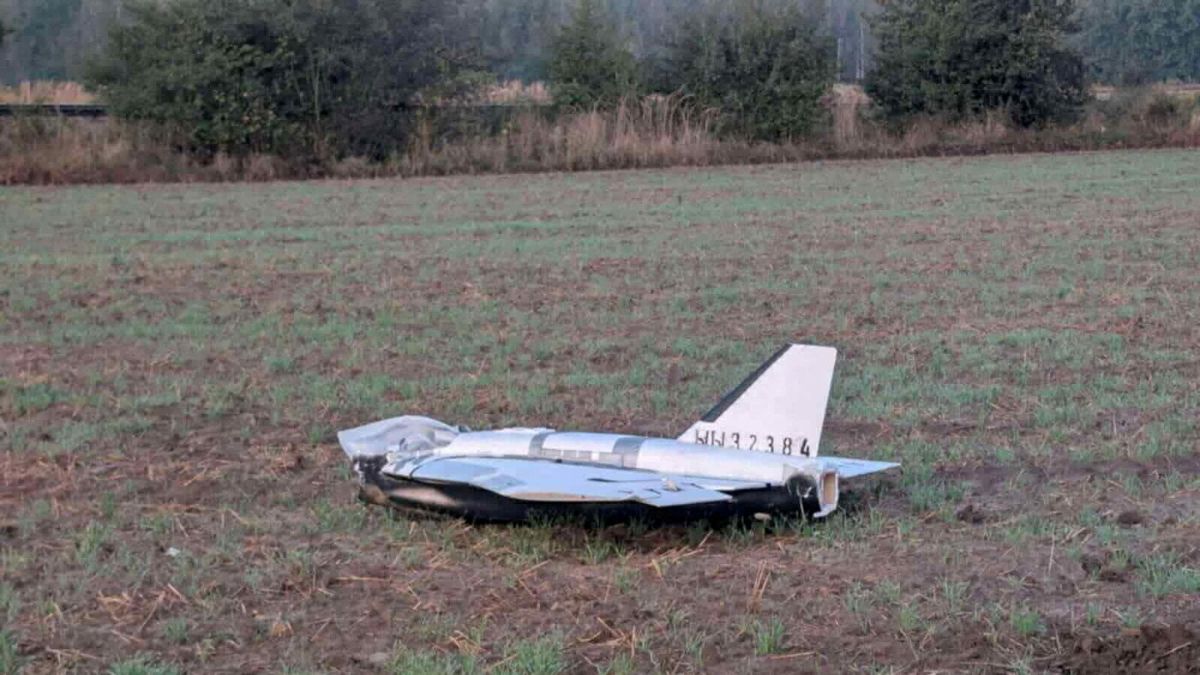 "Did Russia deliberately send drones into Poland’s airspace?")
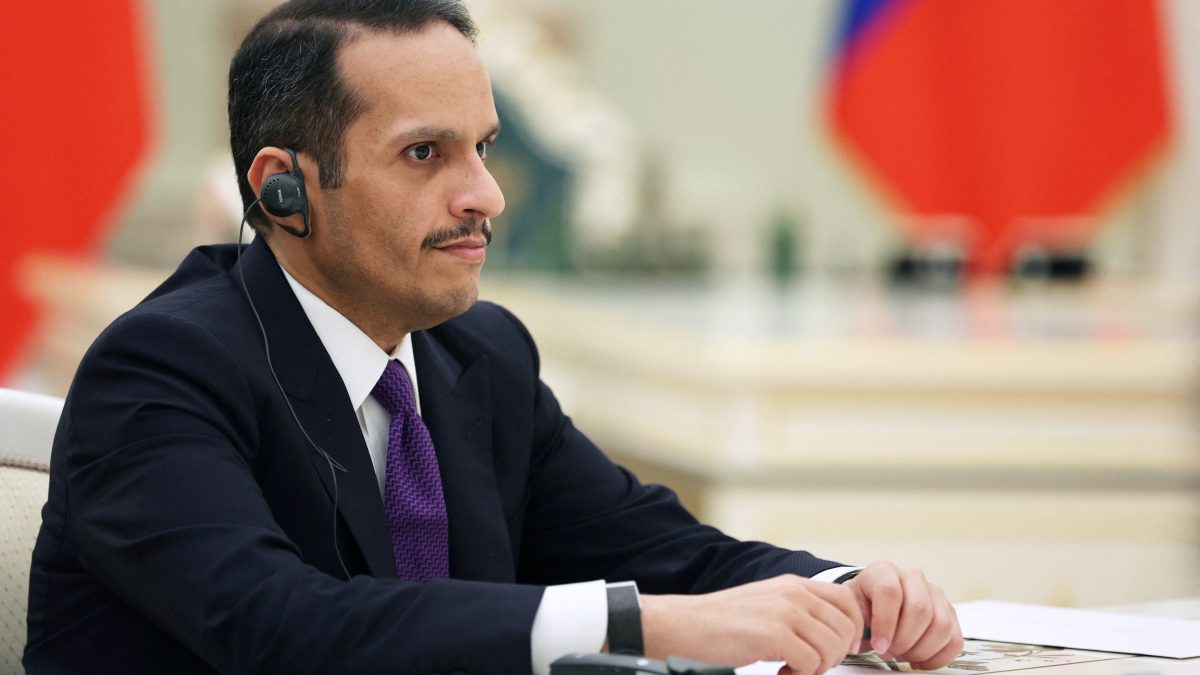 "Netanyahu ‘killed any hope’ for Israeli hostages: Qatar PM after Doha strike")
 "Charlie Kirk, shot dead in Utah, once said gun deaths are 'worth it' to save Second Amendment")
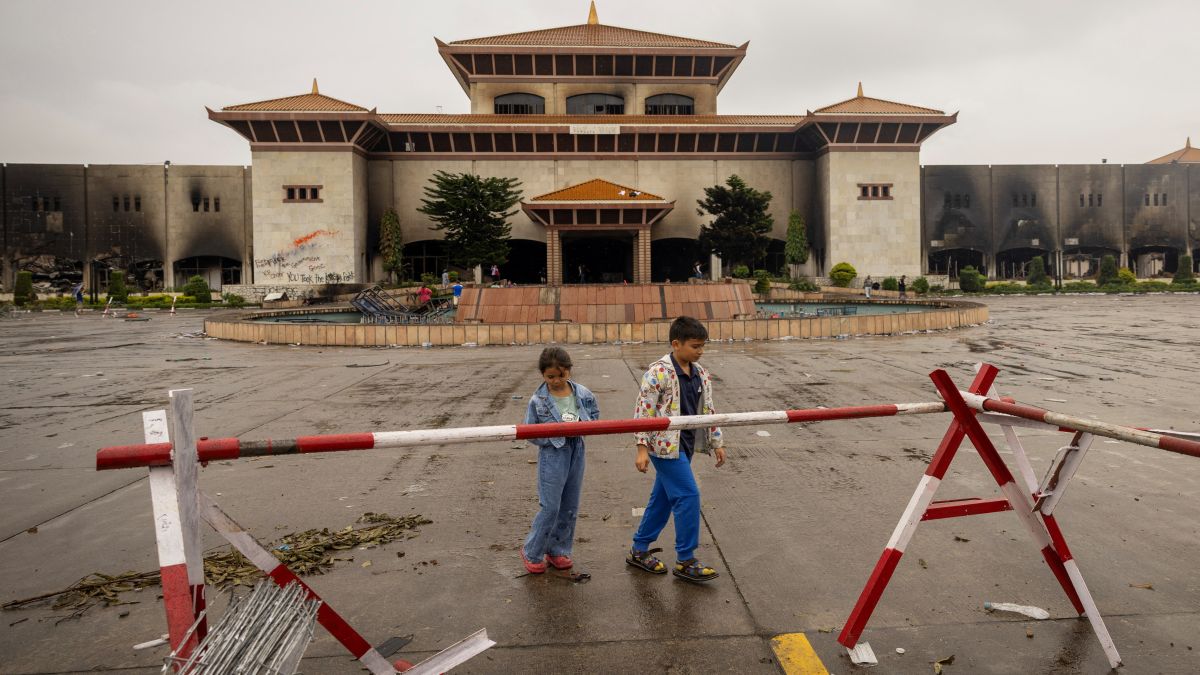 "From governance to tourism, how Gen-Z protests have damaged Nepal")
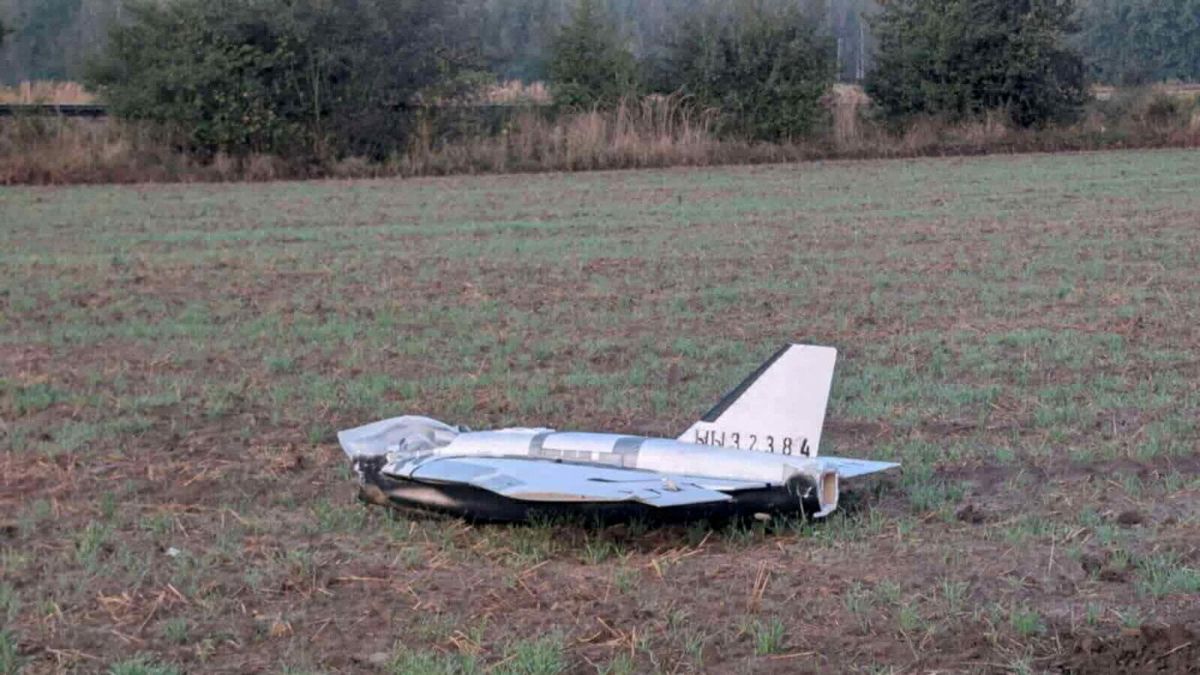 "Did Russia deliberately send drones into Poland’s airspace?")
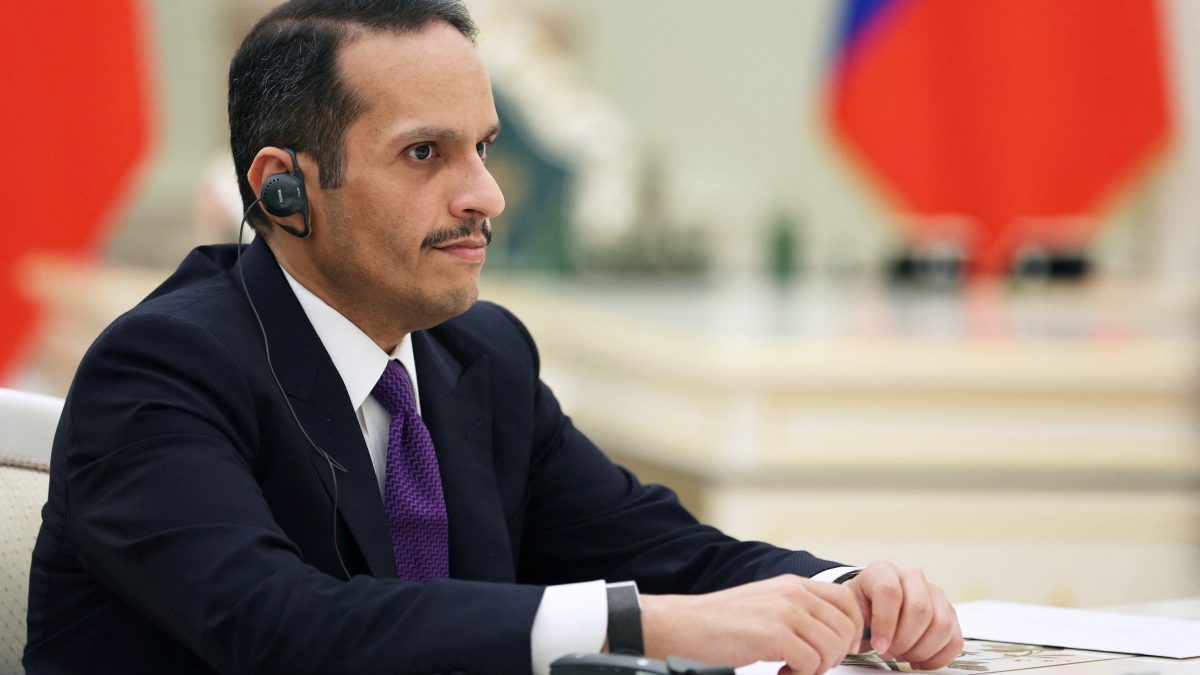 "Netanyahu ‘killed any hope’ for Israeli hostages: Qatar PM after Doha strike")