The Indira Gandhi National Open University (IGNOU) has declared the results of June term end exam 2018 on the official website,
ignou.ac.in
. The university has also made the grade cards available that has overall marks along with assignment scores of the candidates. [caption id=“attachment_4554731” align=“alignleft” width=“380”]
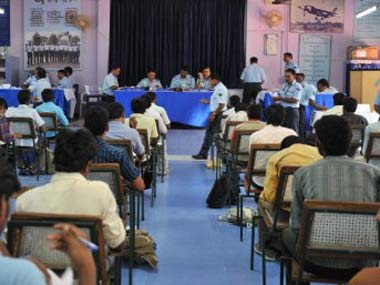
 Representational image. PTI[/caption] How to check IGNOU 2018 June term-end result: - Visit the IGNOU official website,
ignou.ac.in
. - On the homepage, click on ‘Term End’ tab. - Enter the 9 digit ‘Enrollment Number’. - On submitting the same, results will be displayed. - Download and take print out of the same for future use. The term-end examination for various courses is conducted in the month of June for students who are enrolled for the July session of the course.
Representational image. PTI[/caption] How to check IGNOU 2018 June term-end result: - Visit the IGNOU official website,
ignou.ac.in
. - On the homepage, click on ‘Term End’ tab. - Enter the 9 digit ‘Enrollment Number’. - On submitting the same, results will be displayed. - Download and take print out of the same for future use. The term-end examination for various courses is conducted in the month of June for students who are enrolled for the July session of the course.
IGNOU June 2018 term end exam: Result, grade card released; check scores on ignou.ac.in
FP Staff
• August 10, 2018, 13:23:08 IST
The Indira Gandhi National Open University (IGNOU) has declared the results of June term end exam 2018 on the official website, ignou.ac.in
Advertisement
 "IGNOU June 2018 term end exam: Result, grade card released; check scores on ignou.ac.in")
End of Article