"Samsung Galaxy Camera GC100 Review")
Camera manufacturers have made numerous attempts to offer something innovative and completely different from the rest; something that allows the user to do much more with the camera. This is quite evident with a few cameras that we’ve come across in the past eg., the Samsung NV3 that featured a portable media player, and the twin-lens Fuji FinePix Real 3D W3 that can shoot in 3D. Equipped with Wi-Fi and a front LCD, the Samsung DV300F is also offbeat—it makes it easy to shoot self portraits and share photos wirelessly. Then come features such as effect filters, built-in GPS and Wi-Fi, Smile Shutter, and not to mention Sweep Panorama in Sony’s Cyber-shot digital cameras—all of which make shooting fun and convenient to share photos. The latest innovation in the digital camera space is the Samsung Galaxy Camera, and this time Samsung has gone completely overboard! Imagine what you’ll get if you cross a full-fledged super-zoom camera with the Samsung Galaxy S III. That’s exactly what the Galaxy Camera is, except that you can’t make calls with it. Let’s find out what this highly converged gizmo has in store.
Simply put, it’s the Samsung Galaxy S III with a huge lens popped in, minus support for making calls
Design and features
At 300 grams and with the body about 1.5 times the size of an average point-and-shoot camera, the Galaxy Camera is a whopper of a digital camera. It’s as hefty as two Galaxy S3s stacked together, plus the massive lens that sticks out about half an inch. Although you can (that is, if you’re not wearing tight-fitting jeans), you definitely don’t want to stuff it in your pocket and walk about. We have seen mega-zoom cameras with a lot more compact bodies, but the reason for the massive shell is either because Samsung decided to stick in a large 4.8-inch display on the rear or because of the oversized guts, or both. For the first time, we’ve seen such a large display on a digital camera, but the applications calls for one. Firstly, it’s a luxuriously large viewfinder and secondly, photos and videos look great on the 720p display.
The large display is great as a viewfinder and for media playback
Like we’ve already said, it shares the feature set with the Galaxy S III. It runs a 1.4GHz quad-core processor along with 1GB RAM and Mali-400MP graphics processor. That’s some serious power to run the camera, the Android Jelly Bean OS and the most demanding apps. Open the battery lid at the bottom and you’ll be greeted with a microSD slot to expand the 8GB of on-board storage and a micro-SIM slot that lends this smart camera 3G support. Other connectivity options include built-in Wi-Fi and Bluetooth adapters. By now you must have guessed what was going on in Samsung’s head—to concoct a camera with which you can instantly share high quality photos and videos online. It also doubles as a portable media player and a mobile Internet device. With the option to download apps from Google Play Store, you can make the Galaxy Camera even more versatile. For example, you can download apps for photo editing and creating slideshows or games, ebook reader and other utilities. Samsung has bundled apps for editing photos and videos, Instagram, Dropbox and Paper Artist in addition to the usual bunch of apps such as YouTube, Gmail, Maps, Navigation, Calculator, Clock, Messaging, and so on.
The large lens is the most dominant part of the camera after the screen and the large body. The focal length is 23 mm (35 mm equivalent) at the widest end and goes up to a good 481 mm, which translates to 21x optical zoom. The largest aperture at the wide and telephoto ends are f/2.8 and f/5.9 respectively—way better than f/3.2 and f/6.3 that is mostly the case with super-zoom cameras. The sensor is of the CMOS type and has a resolution of 16 megapixels. The flash is a pop-up type and it has to be raised manually using a tiny button on the left side. A motorised mechanism to automatically raise and lower the flash would have been ideal, especially in Auto mode. In this case, you’ll be frustrated if you forget to raise the flash in low light; you’ll end up with dark, underexposed shots.
The compartment to the left is where the flash resides
Samsung has gone with a minimalistic design. The top just has the zoom lever and shutter release. A 3.5 mm jack for headphones and a common micro USB port for charging the li-ion battery pack and transferring data are located on the right side. An HDMI port is located at the centre of the battery compartment lid, covered by a tiny flap.
Build quality and ergonomics
The build quality of the shell is excellent—the camera feels like a solid block of plastic. The touchscreen is protected by Corning Gorilla Glass, which makes it highly resistant to scratches. Thankfully, there are no glossy surfaces, which is a big relief from fingerprints and scratches. You only have to keep the display spic and span, for which a tiny piece of microfiber cloth should be good enough.
Despite its monolithic design, the camera looks good. And that’s it! The bulge around the grip is too less for a comfortable grip. And despite a textured rubberised grip, the design doesn’t inspire confidence for single-handed operation at all. If you have even slightly larger hands, you’ll find your curled fingers are hardly in contact with the rubberised grip and you’ll want to use both hands rather than risking having to bury the camera in your backyard!
As for the user interface, it’s brilliant—this should be educational for digital camera manufacturers who come out with models with fully touch-operated interface. The implementation of the PASM, scene and video modes is just too good—it’s functional, intuitive and extremely easy to use. The layout of the UI is for right-handed use. The Camera icon above the large Mode button is for releasing the shutter using touchscreen, and the Camcorder icon when touched immediately starts recording video. The Mode button brings up three modes—Auto, Smart and Expert. The Smart mode is nothing but the scene mode. However, many of the presets are different from the usual bunch present in point-and-shoot cameras. For example, Light Trace (for getting light trails using long shutter exposure), Silhouette, Waterfall, Rich Tone, Best Face (best shot from a burst of 5 shots), Panorama and Sunset.
Virtual dials in the manual and semi-manual modes
Scene presets offered in the Smart mode
Yes, the camera actually obeys your commands!
The expert mode has the PASM modes and it’s not as daunting to use like in the case of super-zooms wherein you need to tinker with the D-pad and dials. Here, the virtual dials for ISO, EV, aperture and shutter are displayed next to each other. You change the values simply by swiping your finger up and down. Obviously, the dials that can be used depend on the selected mode. For example, the Program mode only allows changing the ISO and EV, and the Aperture Priority mode doesn’t allow changing the shutter speed. Other settings such as the white balance, focus, drive mode, self-timer and metering mode, quality settings and resolution settings are available via the Settings icon on the top left corner. Some of the commonly used settings are additionally available via the quick menu, which slides open on touching the ‘>’ icon next to the Settings icon. On opening the quick menu, you’ll find a tiny microphone icon, which is for voice commands. More than coming in handy, it’s fun to use but at the risk of looking crazy or being laughed at if your commands aren’t registered repeatedly. Videos are recorded at full HD resolution (MP4 format) and you have the entire range of optical zoom at your disposal while shooting.
Performance
The Galaxy Camera is as snappy as the Galaxy S III. The Touchwiz UI is butter smooth, without any lag. It’s excellent as a portable media player and mobile Internet device. However, being a digital camera primarily, what’s most important is the quality of photos and videos it captures. For the price at which you can easily buy a DSLR or an enthusiast-class digital camera, it’s very fair to expect a similar level of performance. But the quality of photos this camera took in our tests failed to impress us. They look excellent on the camera’s vibrant display or when scaled to the monitor’s resolution—very good for sharing on social networks or online photo galleries. But the flaws stand out when photos are viewed at full resolution without rescaling. Even at the lowest ISO, the results were grainy and lacked fine details. At ISO 400, the results are as grainy as you’d get with a prosumer camera at ISO 800. And at ISO 800, the photos are blotchy with strong artefacts and colour noise.
ISO 100
ISO 400
ISO 800
ISO 3200
The overall quality of photos is similar to what you’d get with an entry-level point and shoot or a high-end smartphone. The quality of video recording was good, but not exceptional—again, the same as what you’d get with a high-end smartphone. You have to pan very gradually to avoid jitter and the picture was a tad noisy.
A 100 percent crop—check out the noise in distant objects at ISO 100 - click for full view
Looks good due to 30 percent scaling and a bit of sharpening
Patchy detailing strikes again! click for full view
Shots taken using filters look good
Verdict and Price in India
No doubt the Samsung Galaxy Camera is an outstanding concept, but the question is, do you need such a smart camera? Or would you be better off with a DSLR or a premium compact or a super-zoom digital camera and still be left with a few thousand bucks!. If you want great-looking photos along with the ability to share them instantly on social networks, you’d be better off with a high-end smartphone, except that you’ll have to compromise on the optical zoom. At least, the smartphone will fit in your pocket and you’ll be able to make calls with it! Considering the feature set, the Galaxy camera isn’t overpriced at Rs 29,900. But from a photographer’s perspective, for whom pristine image quality is paramount, it doesn’t quite make the cut.

 "Israel targets top Hamas leaders in Doha; Qatar, Iran condemn strike as violation of sovereignty")
 "Nepal: Oli to continue until new PM is sworn in, nation on edge as all branches of govt torched")
 "Who is CP Radhakrishnan, India's next vice-president?")
 "Israel informed US ahead of strikes on Hamas leaders in Doha, says White House")
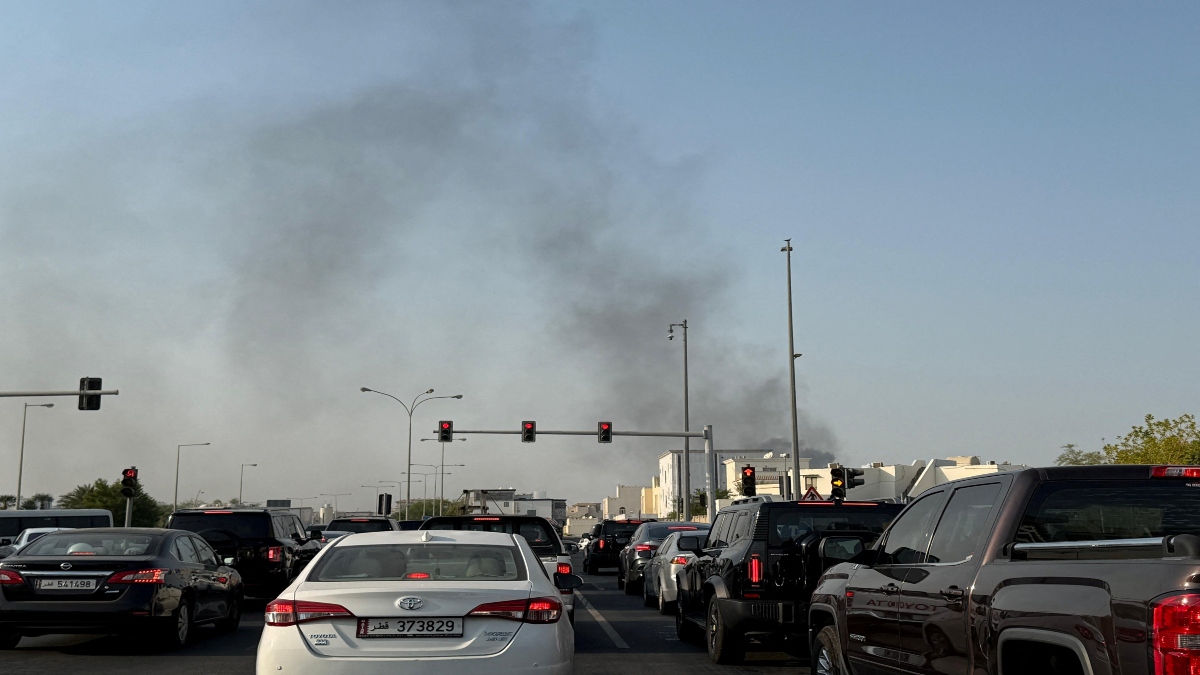 "Israel targets top Hamas leaders in Doha; Qatar, Iran condemn strike as violation of sovereignty")
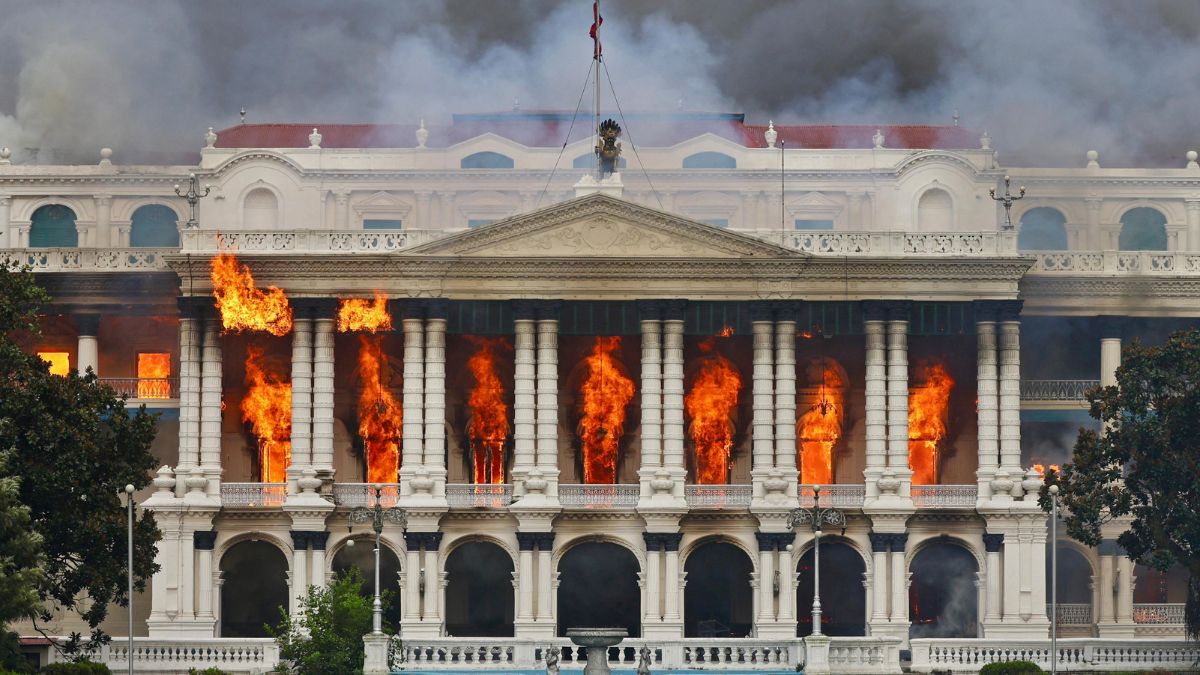 "Nepal: Oli to continue until new PM is sworn in, nation on edge as all branches of govt torched")
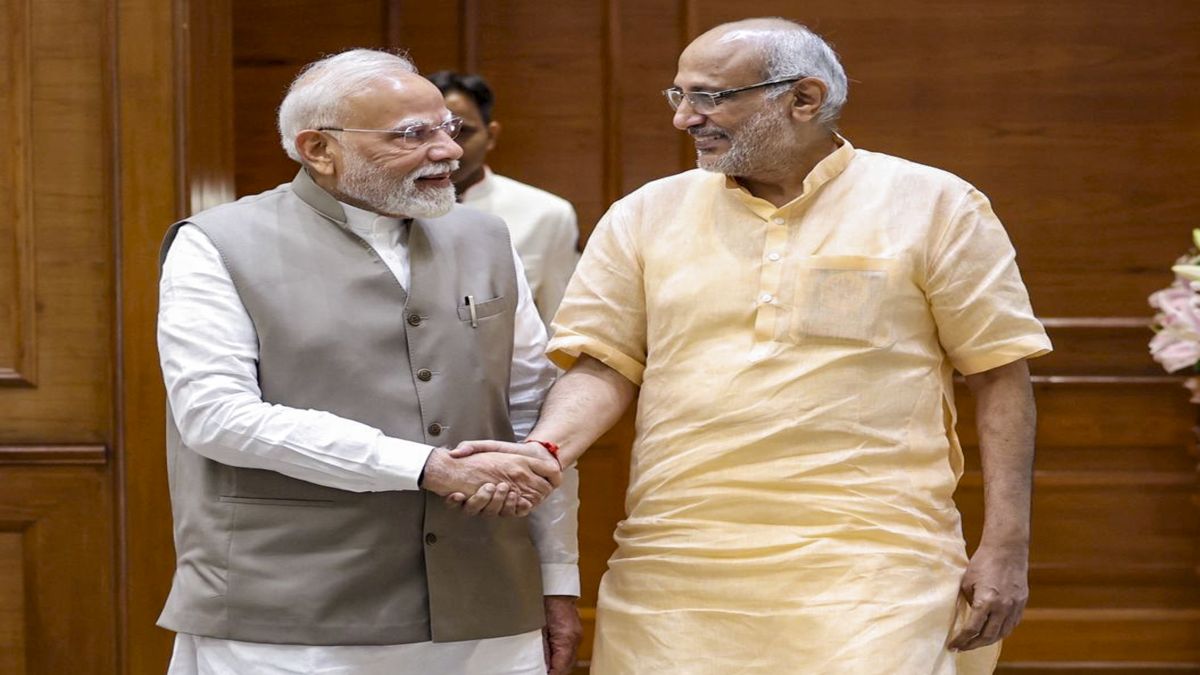 "Who is CP Radhakrishnan, India's next vice-president?")
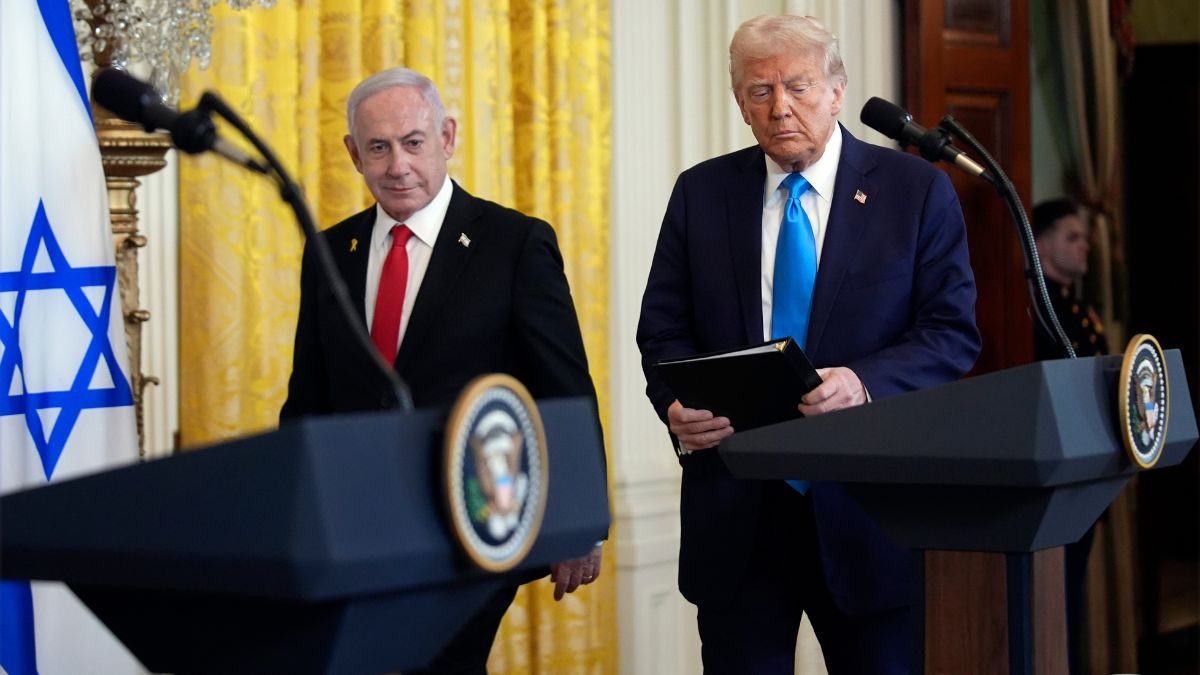 "Israel informed US ahead of strikes on Hamas leaders in Doha, says White House")