

 "MacBook Pro (15-inch)")
Finally, Apple has given the MacBook Pro a much-needed overhaul. Till now, the MacBook Pro has had relatively new Intel-based guts in the same ageing PowerBook enclosure. This is the first all-new shell
in a long time.
Design-wise, the new MacBook Pro takes its curvy corners and black chicklet keyboard from the MacBook Air, and its glass-and-aluminum screen surround from the current iMac. The right side holds a slot-loading DVD-RW drive, while all external ports and a neat battery level indicator are lined up on the left. A panel on the bottom flips open to reveal the battery and hard drive, allowing for easy swapping (though the RAM is surprisingly hidden).
One brilliant touch is that this panel can’t be opened when a Kensington lock is attached, which means people can’t steal your laptop’s components when you leave it unattended. But the most major new design element is that the entire body is hollowed out of a single slab of aluminum, which means there are no seams and the casing is remarkably light yet sturdy.
Our only complaint is that our test unit had a very loose hinge—just picking it up and tilting it slightly forward made the lid slam down on our thumbs. The new-style keyboard feels odd, but didn’t take us too long to get used to, especially since it’s been standard on the Macbook for a while. The trackpad is now one solid glass block with no visible buttons, although the entire surface can be depressed to click. Sliding over it feels incredible, especially when using the new multi-finger gestures built in to Mac OS X, but resting your thumb on lower edge out of habit often triggers unintended multi-touch gestures.
__PAGEBREAK__
Our test unit came with a 2.53 GHz Core 2 Duo CPU (Apple doesn’t believe in Intel’s model numbers, but it’s a 45nm part), 4 GB of DDR3 RAM, a 320 GB hard drive, and an 8x DVD-RW drive. The MacBook Pro’s USP is its hybrid graphics, i.e. it can use a discrete Nvidia 9600M GT with 512MB of GDDR3 RAM when you need high performance, or switch to the integrated 9400M core to save battery power. Unfortunately you can’t switch on the fly; you have to log off your user profile and log back on each time, interrupting workflow and requiring all open documents to be saved and closed.
Our standard Windows benchmarks placed the MacBook Pro as a solid performer, with scores of 21498 Dhrystones and 18578 Whetstones in SiSoft Sandra 2009 and 3760 overall in PCMark Vantage. The real-world test scores were all strong as well, with POVRay taking 90.11 seconds to complete its run, and the audio and video compression tests taking 99 and 69 seconds respectively.
The only major problem was that the device became uncomfortably hot even during normal loads. We measured its bottom surface at 56 degrees C while testing. Windows users beware though! Using Boot Camp to install Windows Vista went off without a hitch, but it refused to recognize the trackpad the first time it booted. There was also no way to eject the Windows DVD in order to load drivers off the OS X disc. It finally took a couple of reboots and a USB mouse to get everything up and running, but Windows still doesn’t always recognize the new buttonless click. There’s also no way to switch between graphics modes—you’ll have to go through OS X for this.
Screen size and quality aside, there isn’t a lot separating the new MacBook Pro from the new MacBooks, which have also been revamped, ditching their traditional plastic shells for the same aluminum unibody as the MacBook Pro. Considering the MacBook Pro’s hefty price tag of Rs. 1,46,000; unless you really need a larger screen, hybrid graphics, a slightly faster CPU or the FireWire port, buying a MacBook will get you the same aluminum unibody and glass trackpad as well as most of the same configuration options in a smaller body and for less money too.

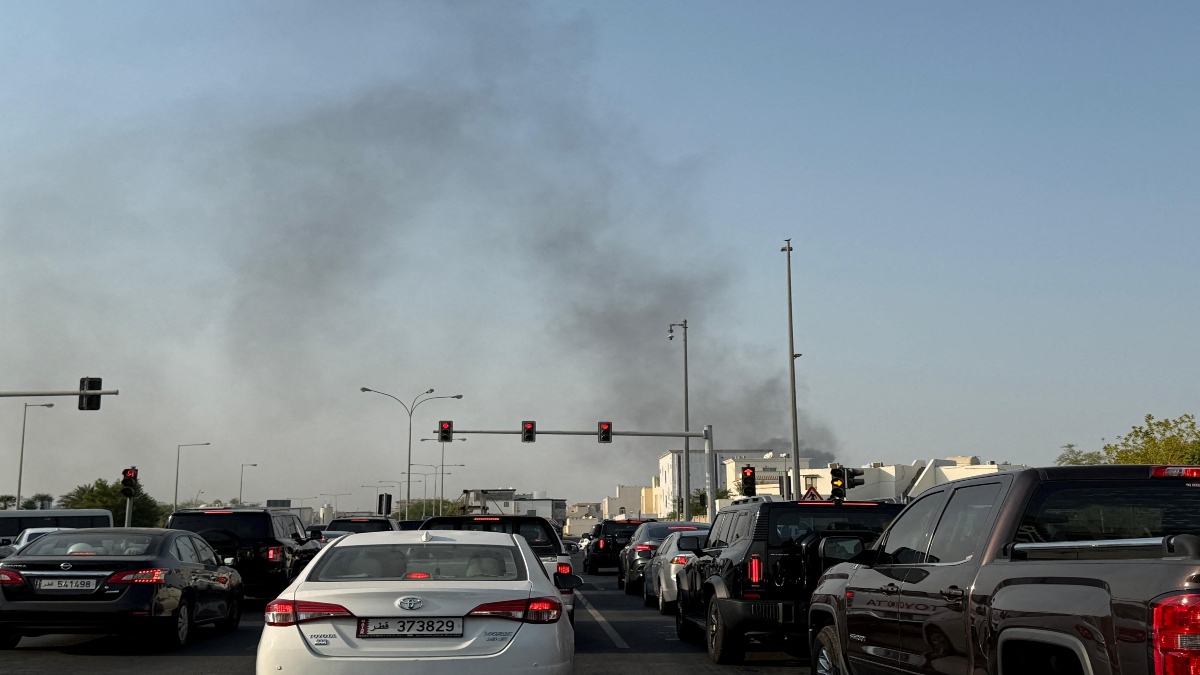 "Israel targets top Hamas leaders in Doha; Qatar, Iran condemn strike as violation of sovereignty")
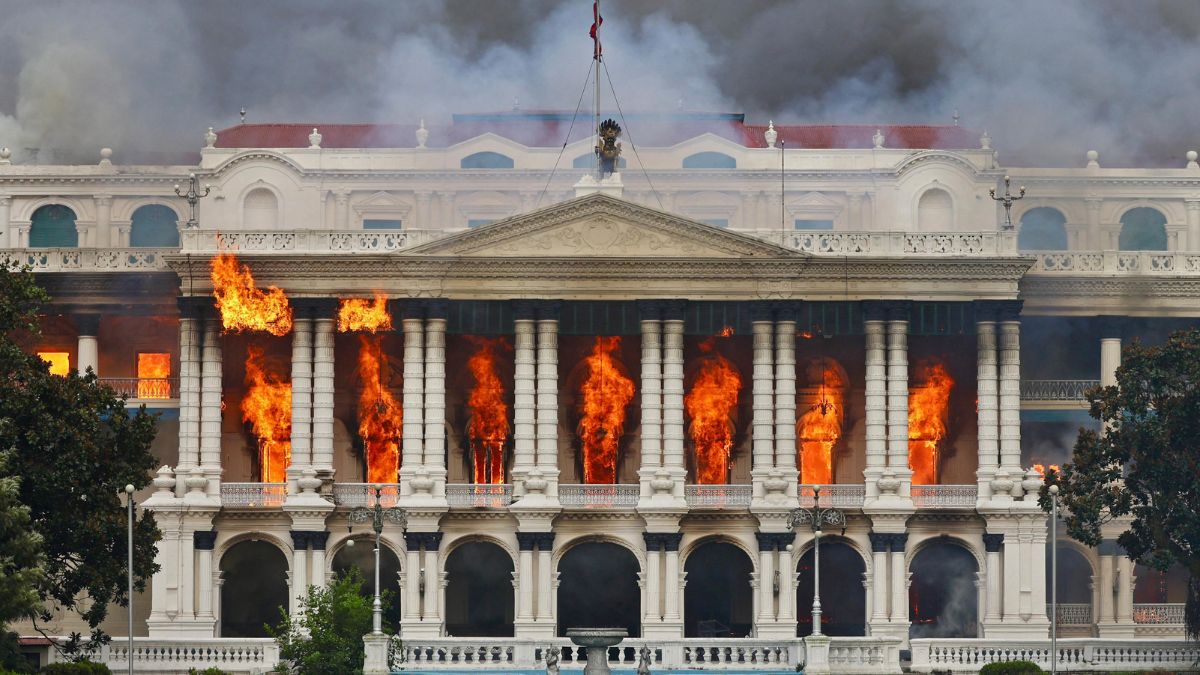 "Nepal: Oli to continue until new PM is sworn in, nation on edge as all branches of govt torched")
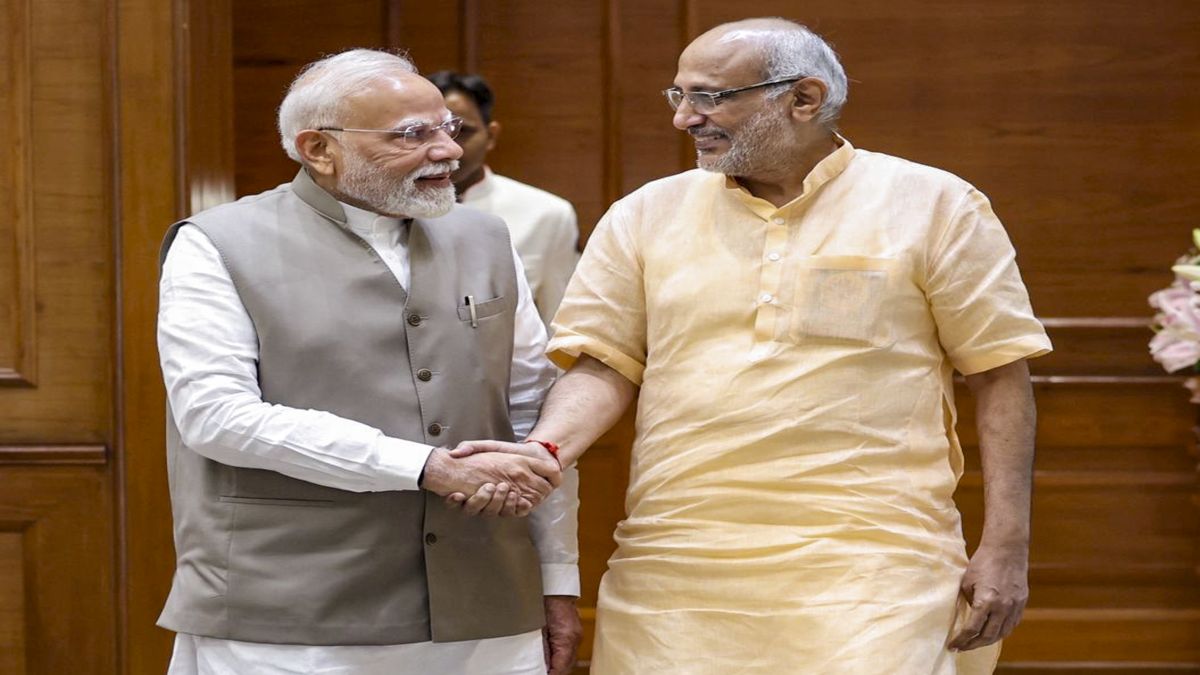 "Who is CP Radhakrishnan, India's next vice-president?")
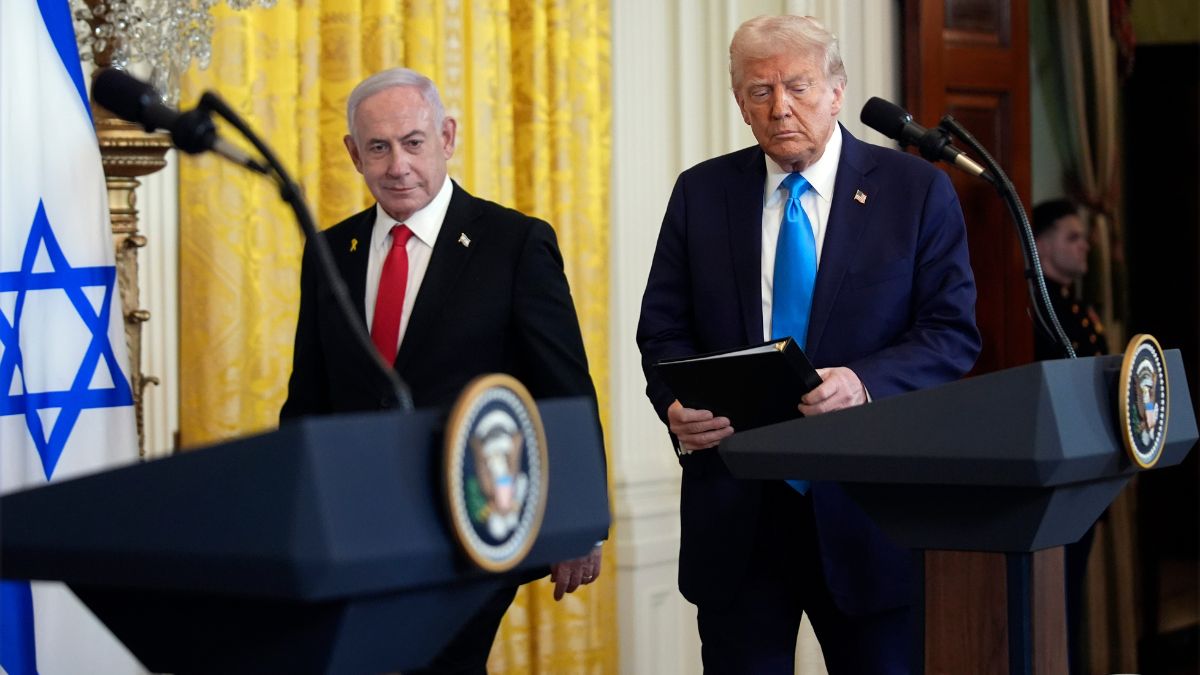 "Israel informed US ahead of strikes on Hamas leaders in Doha, says White House")
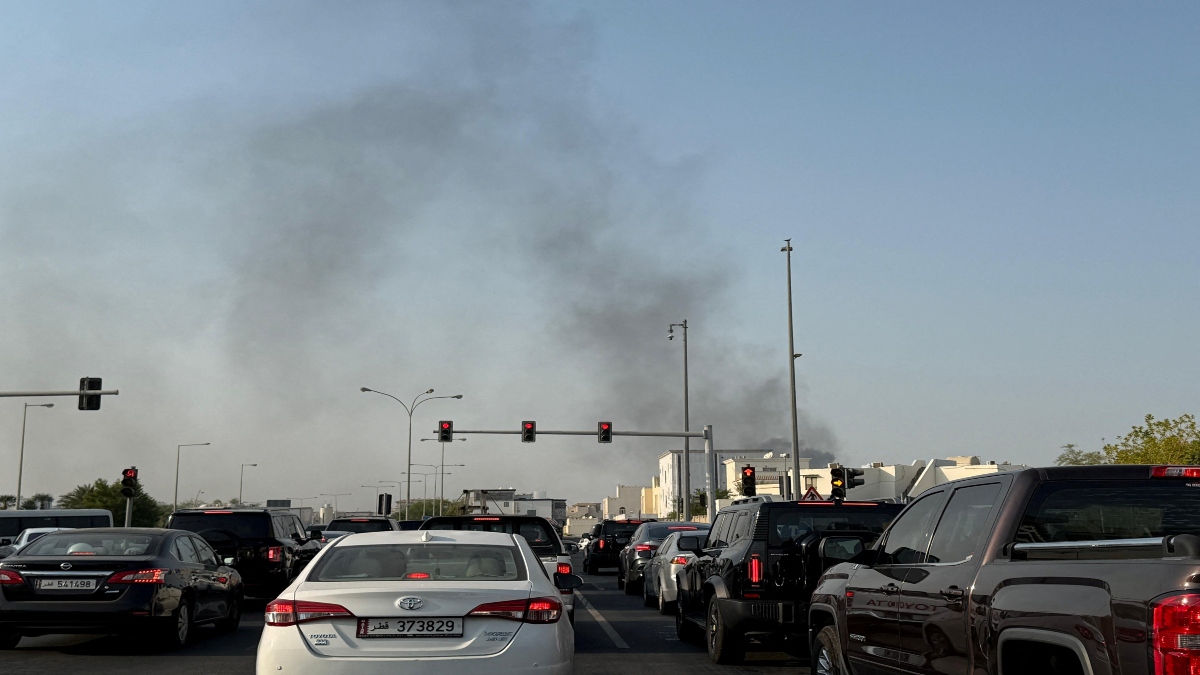 "Israel targets top Hamas leaders in Doha; Qatar, Iran condemn strike as violation of sovereignty")
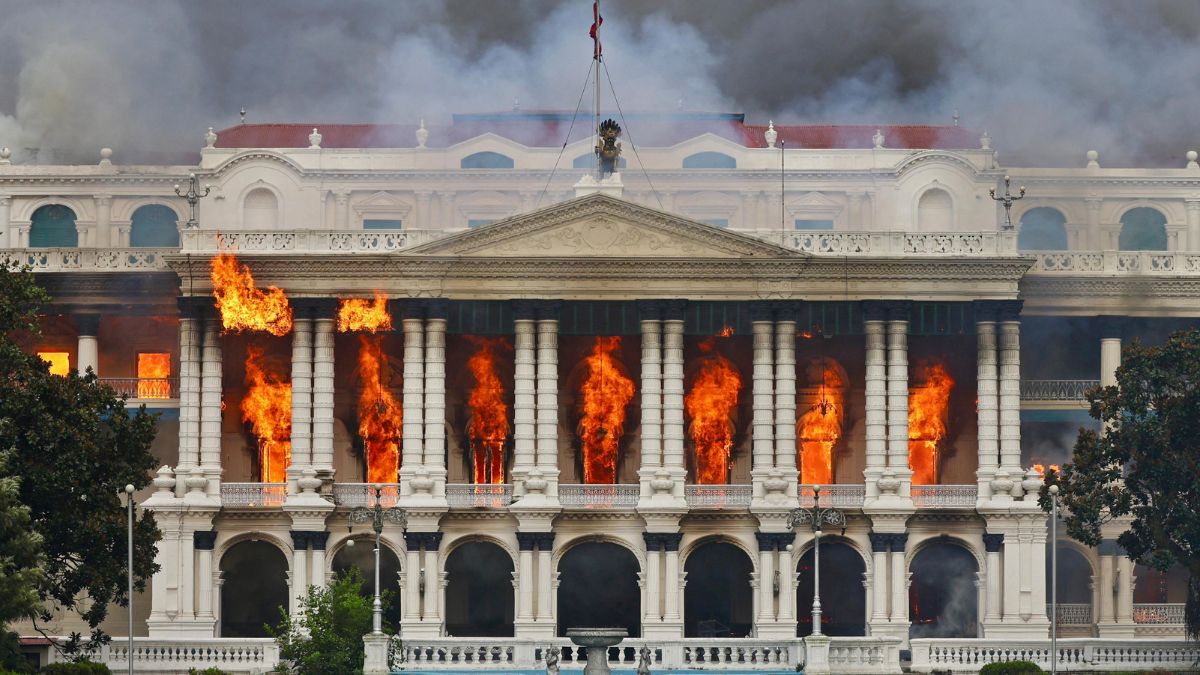 "Nepal: Oli to continue until new PM is sworn in, nation on edge as all branches of govt torched")
 "Who is CP Radhakrishnan, India's next vice-president?")
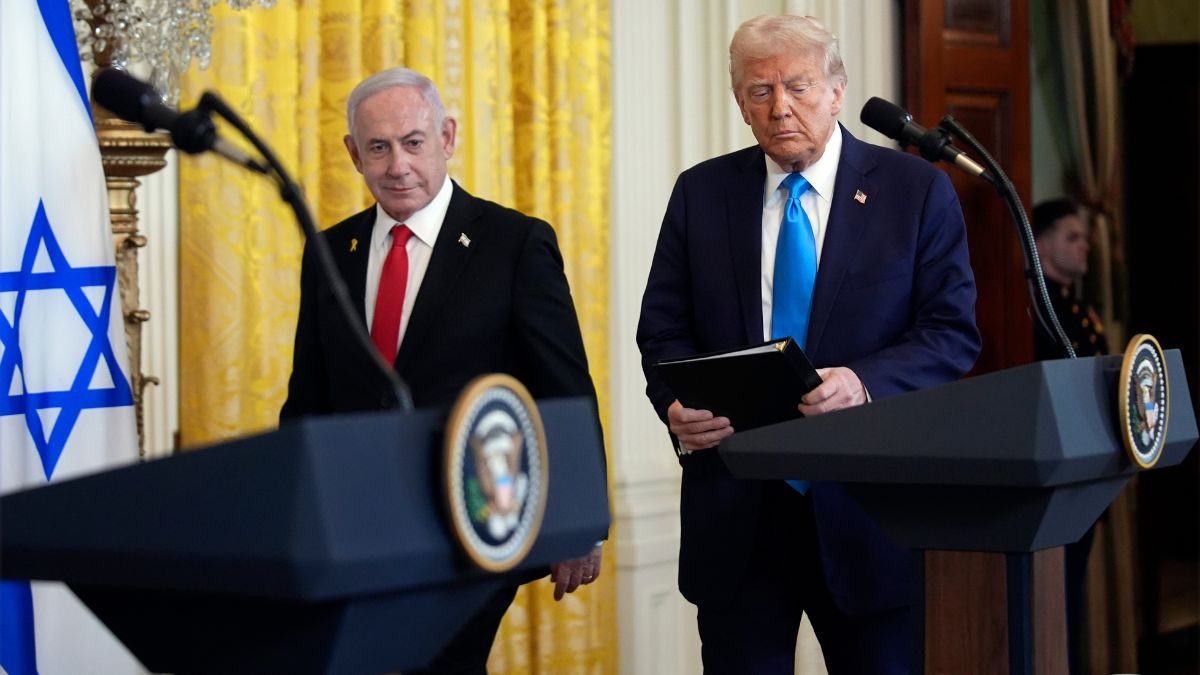 "Israel informed US ahead of strikes on Hamas leaders in Doha, says White House")



](http://tech.firstpost.com/wp-content/uploads/images/2009/jan/img_114052_macboocpro01.jpg)
](http://tech.firstpost.com/wp-content/uploads/images/2009/jan/img_114082_macboocpro04.jpg)
](http://tech.firstpost.com/wp-content/uploads/images/2009/jan/img_114092_macboocpro05.jpg)
](http://tech.firstpost.com/wp-content/uploads/images/2009/jan/img_114062_macboocpro02.jpg)
](http://tech.firstpost.com/wp-content/uploads/images/2009/jan/img_114072_macboocpro03.jpg)