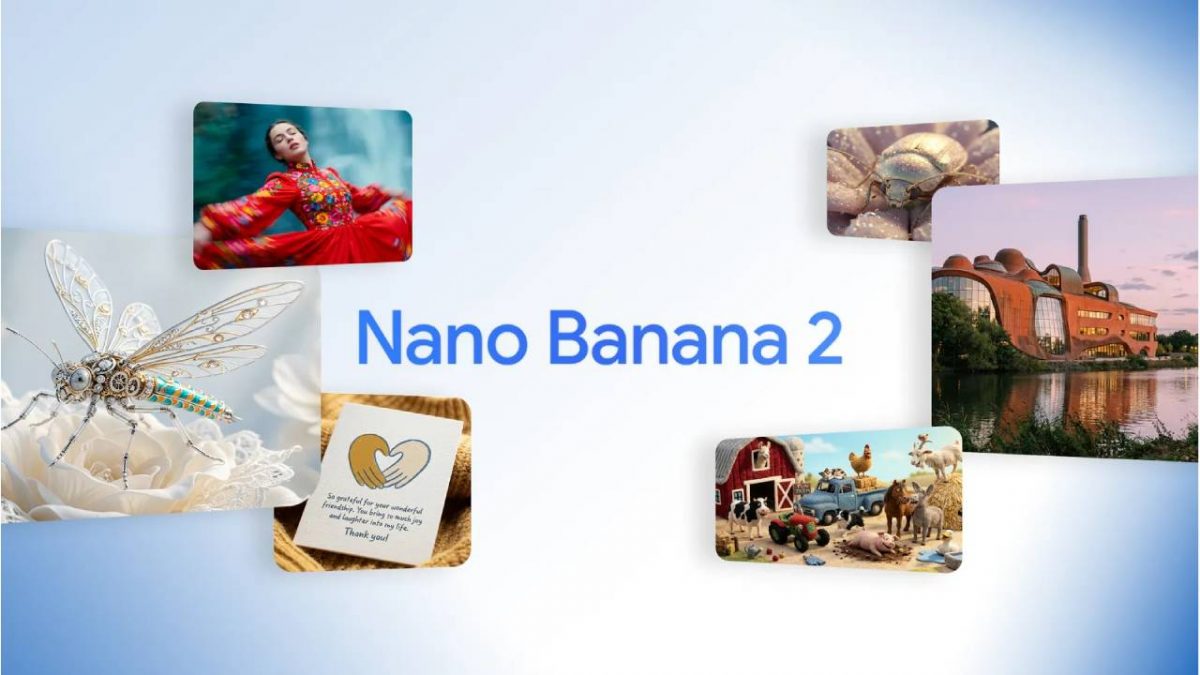
 "Google launches Nano Banana 2 model: How is it different")
After turning the internet into a gallery of AI-generated masterpieces (and a fair bit of chaos), Google is back with Nano Banana 2, the sequel to its wildly popular AI image model.
Launched on Thursday, the upgraded tool promises faster, smarter, and more realistic visuals, blending the creative power of Gemini’s intelligence with lightning speed.
Google says Nano Banana 2 makes “rapid edits and iteration possible,” bringing features that were once limited to its top-end Pro model to everyday users.
Nano Banana 2 vs Nano Banana 1
Last year’s Nano Banana image editor became an overnight sensation, amassing over five billion generated images within just two months of its August debut. It was simple, quick, and surprisingly capable. But Nano Banana 2 isn’t just a sequel, it’s a supercharged evolution.
For starters, the new model has access to real-time web information. That means when you ask it to create an image of “a snow-covered London street today,” it’ll actually reflect what’s happening out there, not just what it remembers from 2023.
By tapping into Gemini’s world knowledge and live image data, Nano Banana 2 renders scenes with a far more grounded realism.
It also boasts advanced text rendering and translation. That clumsy handwriting from the first model? Gone. Now you can create clean, legible text for posters, greeting cards, and mockups, even in multiple languages. The model can localise your message automatically, so “Happy Birthday” can instantly turn into “Joyeux Anniversaire” or “Feliz Cumpleaños” without breaking a sweat.
Quick Reads
View AllGoogle’s also given the model a brainier side. Complex instruction following is much improved, meaning Nano Banana 2 can now understand those oddly specific creative requests (“a cyberpunk fox holding a latte under neon rain”) and get them right the first time.
And if you’re the type who obsesses over production specs, this update’s for you. The model supports image resolutions from 512px up to 4K and lets users freely choose aspect ratios. That means whether you’re crafting thumbnails or cinematic wallpapers, the results are ready to publish.
To top it off, there’s a new feature that lets you tweak the model’s “thinking level”. You can set it to reason deeply through a complex prompt or speed through quick drafts, a clever touch for designers juggling creative precision and tight deadlines.
Compared to the original Nano Banana, which sometimes sacrificed detail for speed, this new model finds a sweet spot between the two. It’s as fast as the first one, but with the accuracy and detail that previously required the pricier Pro version.
How to use Nano Banana 2
Google’s made sure Nano Banana 2 isn’t hiding behind paywalls or complex menus. It’s baked right into the Gemini app, replacing Nano Banana Pro across the Fast, Thinking, and Pro modes. So if you’re already chatting with Gemini, your new image generator is ready to go.
Beyond the app, you can find Nano Banana 2 through Google Search, AI Mode, and Lens, both on mobile and desktop, across 141 new countries and in eight additional languages. For developers, it’s also rolling out in preview through the Gemini API in Vertex AI, and marketers can tap into it directly inside Google Ads for visual campaign suggestions.