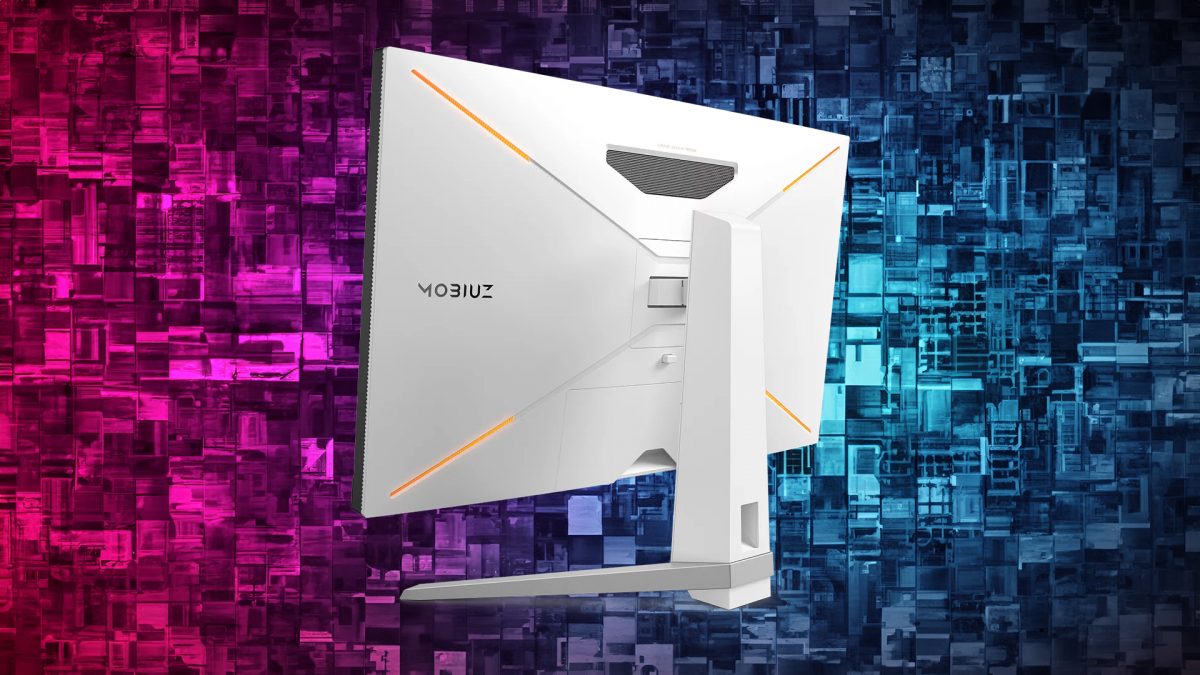
 "BenQ Mobiuz EX3210U Gaming Monitor Review: A 4K, 144Hz beast that does HDR well")
Pros:
- 4K at 144Hz refresh — not a lot of monitors offer that
- Solid picture quality, all-round
- HDR looks really punchy and contrasty
- HDRi settings
- Solid build quality
- Built-in speakers sound pretty decent
- Built-in microphone with its AI features is surprisingly good
- Looks exceptional, will fit a high-end gaming set-up really well
Cons:
- No USB-C ports at this price point
- No legend for buttons or the joystick on the bottom edge
- SDR content is average
- Peak brightness of 250 nits
Rating: 4/5
Price: Rs 79,999 on e-commerce platforms
Getting to game on a 144Hz 4K monitor that does HDR well in both, games and watching content is a dream come true for many a gamer. However, not a lot of monitors can actually do that with te convenience that BenQ’s Mobiuz EX3210U can.
Here we have a 32-inch gaming monitor, that is not only capable of pushing out 144 frames a second at 4K, but that manages to do that with a response time of 1ms, and with all the glorious colours and contrast that HDR brings you.
The Mobiuz EX3210U does come with a hefty price tag, even by gaming monitor standards. However, its performance more than justifies the investment. Whether you’re hooking it up to your Xbox for an immersive gaming experience at 4K@120Hz, or connecting it to your PC for the full 144Hz, you’re in for a real treat.
That being said, even a premium product like the Mobiuz EX3210U isn’t without its flaws. Considering its price point, there are a few issues that stand out. So, after spending two weeks living with this 32-inch gaming powerhouse and diving into some of the most visually stunning and fast-paced games out there, we’re here to share our findings.
Impact Shorts
More ShortsBenQ Mobiuz EX3210U Gaming Monitor Review: Design and built
The BenQ Mobiuz EX3210U immediately grabs your attention with its modern aesthetic. Unlike many other monitors, it features a sleek matte white finish on both the body and the robust stand, adding to its stylish appeal.
Setting up the monitor is pretty straightforward - simply attach the stand and base, and you’re good to go. However, that’s easier said than done. At 32-inches, the monitor is massive. If you’re not confident enough, you should ask someone to help you out when setting this thing up. Having said that, the heft is still manageable for most people. If you plan to set it up on a desk, make sure that you have ample space as the stand does take up space. If, however, you plan on wall mounting this thing, make sure that you are mountings are strong and that they are installed properly.
Coming back to the design of the monitor, you can call it almost bezel-less for the most part. You do get a pretty thick chin at the bottom which accommodates some of the speakers, an IR blaster, a BenQ Brightness Intelligence Plus sensor, and an HDRi button etc.
Navigation through the menu is made possible via a joystick and buttons under the screen. However, there are no legends on the lip of the monitor so you may have some difficulties in initiating the correct menu of the OSD. The joystick does make things a lot easier once you get the hang of it. Its a good thing that BenQ provides a remote for the display, but our review unit did not come with one.
As for positioning the monitor and, it offers some height adjustment, tilt, and swivel options for comfortable viewing. However, it does not rotate. If you are looking for a monitor that rotates, you might want to consider a smaller-sized monitor.
Enhancing its visual appeal further are four customizable RGB LEDs at the rear, which can be adjusted through the OSD menu. The RGB accent lighting, though, isn’t that prominently noticeable unless you’re in dim lighting — this is simply because of the fact that the monitor is gargantuan. The lights an manually controlled through the OSD menu, from where you can select from a number of static colours, or even animated presets. Overall, while the lighting adds flair to gaming setups.
All in all, the Mobiuz EX3210U is solidly built and feels as just as premium BenQ is making it out to be.
BenQ Mobiuz EX3210U Gaming Monitor Review: Inputs
The EX3210U is well-equipped with ports to accommodate practically all your devices. It features a DisplayPort 1.4 as well as two HDMI 2.1 ports. This means you can have your laptop/PC as well as your gaming console like the PS5 and XBox attached to it, all the time, without having to worry about unplugging and plugging them whenever you switch devices.
You also get four USB-A 3.1 ports for your accessories, a USB-B port and a 3.5mm headphone jack. Surprisingly though, you don’t get a USB-C port, which is a bit, considering that you get a USB-B, which in all likelihood is going to be unused throughout the life of the monitor.
Still, the only major issue I have with the ports is the position of the USB-A ports. I feel that at least two of the four should have been positioned in a way that was easiest to access, even the monitor has been positioned on a wall using a Vesa mount. In their current position, they can be a bit hard to reach at times.
BenQ Mobiuz EX3210U Gaming Monitor Review: Performance
The Mobiuz EX3210U really stands out as a 32-inch 4K gaming monitor, packing in a fantastic 144Hz refresh rate and lightning-fast 1ms MPRT response time. Plus, it’s got HDMI 2.1 for top-notch connectivity. What’s cool is that it uses an IPS panel that covers 98% of the DCI-P3 colour space, giving you those rich HDR gaming experiences. And hey, it’s got AMD Freesync premium pro too, so you know your gaming sessions are going to be smooth.
But let’s talk about that display quality. The colours on this thing pop beautifully, whether you’re gaming in SDR or HDR.
The detail and colour it brings out in games is simply stunning. And even when you’re dealing with text-heavy stuff, like reading articles or documents, this monitor handles it pretty well. With that 4K resolution and the panel’s knack for accuracy, text stays crisp and clear, no matter how close you get to the screen. We also did not see any bizarre pixelation or weird purple fringing, even from two feet away from the panel, which is awesome. This makes the monitor especially great for those of us who like to sit close to our screens.
The EX3210U offers seven SDR picture presets to suit various preferences: Game HDRi, Cinema HDRi, DisplayHDR, FPS, Racing Game, RPG, sRGB, along with M-Book or MacBook, and an ePaper setting, which turns the screen monochrome for comfortable reading.
The RPG mode really stands out for its accurate colour reproduction across a range of games tested. However, we wll still advise you to try customising the display as per your preferences.,
The Mobiuz EX3210U also has an IR receiver for the remote, which is super convenient for controlling your monitor from a distance. There’s also a BenQ Brightness Intelligence Plus sensor built right into the monitor which reads the lighting in your room and automatically adjusts the screen brightness.
One notable drawback of the EX3210U’s panel is its limited SDR brightness, capped at 250 nits. This limitation is evident considering the panel’s capability to achieve higher brightness levels, as demonstrated by its HDR performance.
When it comes to HDR content, the EX3210U truly stands out. Playing games that are optimised for HDR is an absolute treat on this monitor. Take Call of Duty: Modern Warfare on PC, for example. No matter what level or mission you’re playing, the game looks stunning. The cut scenes, especially, pop really out.
For HDR content, you’ve got three picture presets to choose from - Gamer HDRi, Cinema HDRi, and DisplayHDR. Out of the box, colours can be a tad oversaturated, because of which the dark portions of a scene tend to get a little too dark. Also, the colour grading feels a bit too intense sometimes. Not to worry though, you can adjust all of this with Light Tuner feature. For regular SDR content though, it’s probably best to stick to non-HDRi modes.
The EX3210U also holds its own in fast-paced multiplayer games like Valorant or Counter-Strike. Thanks to its impressive 144Hz refresh rate, lightning-fast 1ms response time, and the perks of AMD FreeSync Premium Pro or Nvidia G-Sync compatibility, the display remains buttery smooth and ultra-responsive. No visible screen tearing or input lag to speak of here - it’s a seamless gaming experience where you can land headshots with precision and ease, without feeling hindered by any technical hiccups.
The EX3210U also comes equipped with speakers developed by BenQ in collaboration with treVolo, complemented by a built-in subwoofer mounted on the back of the monitor. These speakers deliver a rich and immersive sound experience, perfect for everyday desktop use.
Although BenQ doesn’t offer the option to customise the speaker’s sound that much, you get several audio presets tailored to different scenarios. While the bass might not be booming, it’s adequate for most tasks considering the speakers’ size and capability.
The built-in speakers of the EX3210U are certainly capable, particularly for users whose main audio device is a pair of headphones, but who also want a budget set of speakers every now and then. They are perfectly adequate for something like watching a quick YouTube video or a tutorial. However, they are not good enough to replace your headsets or more expensive speakers, if you have a set.
Additionally, the BenQ AI Noise-cancelling Microphone is a standout feature, employing deep learning models to enhance environmental noise cancellation. With its unique private mode (directional pickup), the AI microphone effectively filters out background noises such as keyboard and mouse clicks, as well as unintended human voices during gaming sessions or video calls.
The EX3210U also offers a really cool feature called Mobiuz colour Shuttle. With Colour Shuttle, you can effortlessly adjust contrast, brightness, and saturation. Simply save your settings as presets for different games and switch between them with ease. This feature allows you to fine-tune colours on your BenQ MOBIUZ monitor, giving you the freedom to experience games exactly how you want. You can save and share your custom settings effortlessly, whether locally or to the cloud.
Moreover, you can take advantage of expertly crafted presets designed by professional gamers to optimise your gaming experience. These presets are tailored for popular games and are available for download. Once you’ve found the perfect settings, save them as presets and upload them to the cloud for easy access on other devices supporting Colour Shuttle. This enables you to switch between your preferred presets anytime, anywhere.
BenQ Mobiuz EX3210U Gaming Monitor Review: Verdict
The BenQ Mobiuz EX3210U is undeniably a top-notch monitor, but its premium price tag might make you hesitate. However, it’s worth every penny. While you will need to tweak a few settings here and there to get the colours and contrast just right for you, the display is more than capable of producing colours that are incredibly accurate.
Thanks to its IPS panel, the EX3210U excels in delivering true-to-life colours, and its HDR mode actually lives up to its promise. Surprisingly, the built-in speakers are quite decent, they can certainly get the job done when you’re in a pinch. But what really sets this monitor apart is its plethora of quality-of-life features that enhance the overall user experience.
Sure, there are TVs out there at similar price points that might offer better value, but let’s not forget that the EX3210U delivers 4K resolution at a staggering 144Hz - a rare combination in the monitor market. Plus, the 4K resolution on a 32-inch screen means you get incredibly sharp text and jaw-dropping details.
If you’re in the market for a feature-packed 4K gaming monitor, the EX3210U should definitely be at the top of your list. It’s a premium investment that’s sure to elevate your gaming experience to new heights.

 "Russian drones over Poland: Trump’s tepid reaction a wake-up call for Nato?")
 "As Russia pushes east, Ukraine faces mounting pressure to defend its heartland")
 "Why Mossad was not on board with Israel’s strike on Hamas in Qatar")
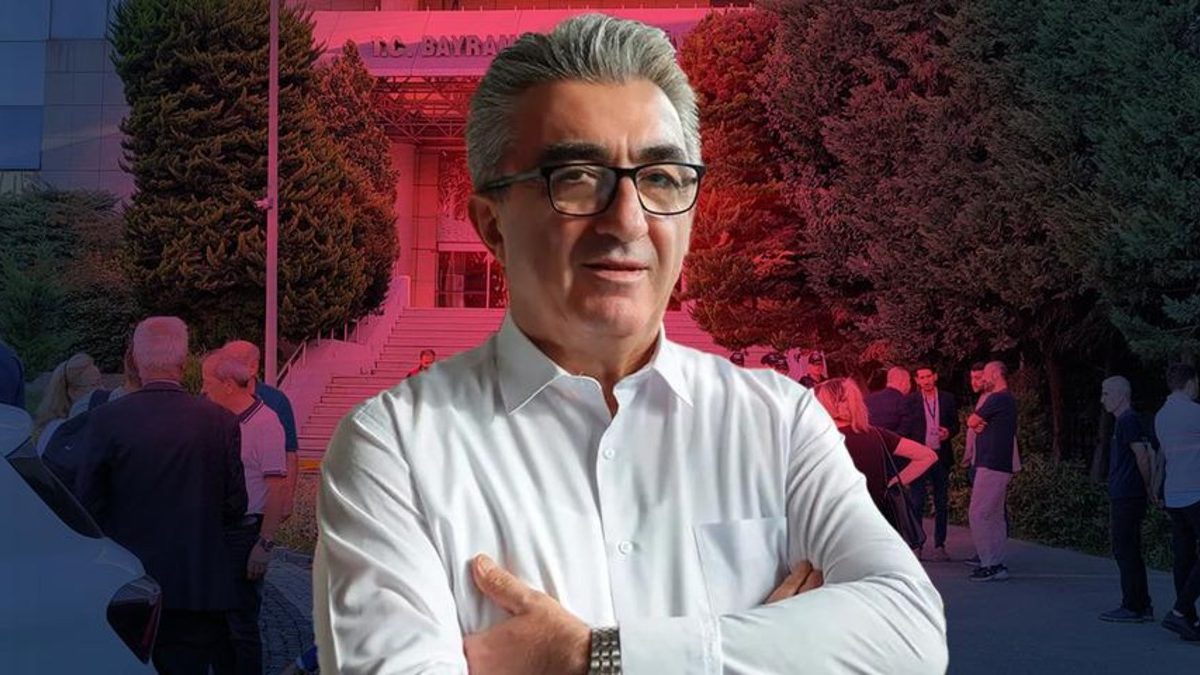 "Turkey: Erdogan's police arrest opposition mayor Hasan Mutlu, dozens officials in corruption probe")
 "Russian drones over Poland: Trump’s tepid reaction a wake-up call for Nato?")
 "As Russia pushes east, Ukraine faces mounting pressure to defend its heartland")
 "Why Mossad was not on board with Israel’s strike on Hamas in Qatar")
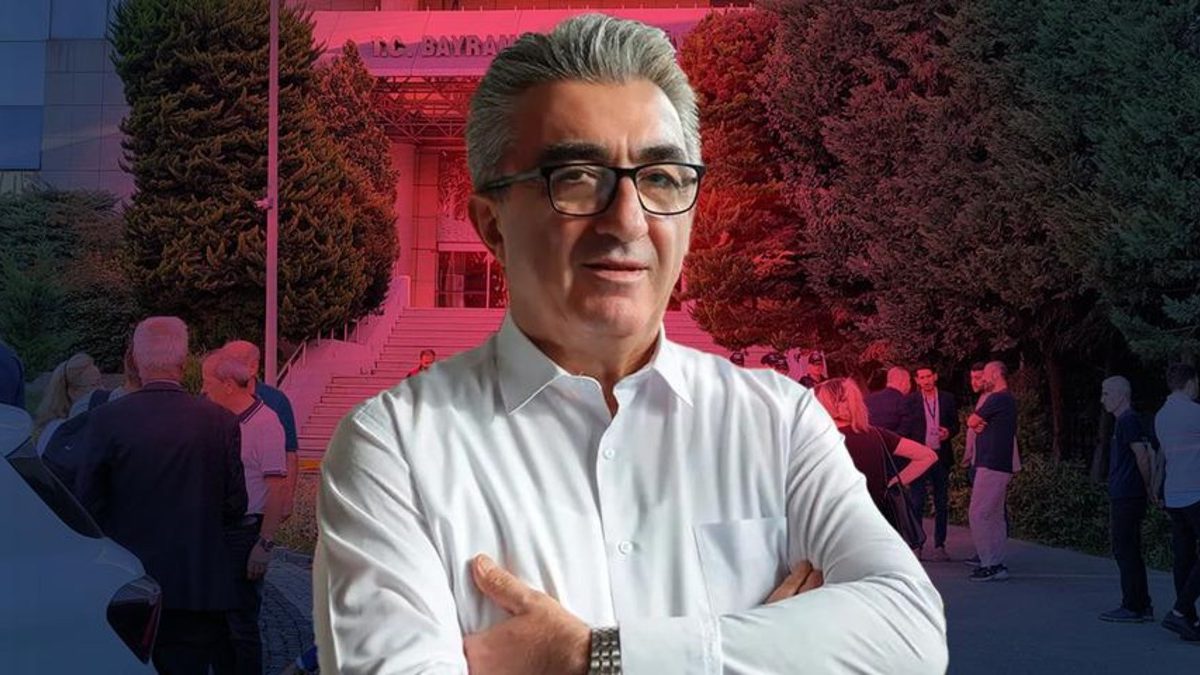 "Turkey: Erdogan's police arrest opposition mayor Hasan Mutlu, dozens officials in corruption probe")