

 "Official London Olympics 2012 Results app crashes on Android")
The biggest sporting event in the World, the Olympics are due to begin in London today. You can check out our live copy of the Olympics 2012 here . As usual, the organisers have launched an official app for sports junkies to keep a track of the results for Olympics. The results app is available for both iOS and Android. You can download the app from here. Here’s a quick look at some features of the app: • Jazzy Colours: The app matches the theme colours of the London Olympics and is a pretty jazzy purple along with pink shades. The design is funky without overdoing. • The Live tab: Right now this shows a live countdown to the opening ceremony of the London Olympics. Below the countdown there’s a list of Live events that are currently going on. If you click on the event it will take you to that event and show you which country is leading. Pretty cool. The timing of the event is also shown. The live event tab also has link to Voices of the Game, which shows the latest tweets around Olympics. Sadly the live tab fails to open in the Android version of the App and causes the app to crash. The app crashed for us on an HTC One X, Sony Xperia P and Samsung Galaxy S GT i9003, basically three major Android brands. • The Sports tab: This is pretty cool one. You can see all the sports icons when you click on this tab. If you click on the the Badminton icon, it will show you the various categories in Badminton. There are four tabs in each sports on the top. These are Events, which shows the timing of the events, a News tab which shows all news related items to that particular sport, Photos shows any photo-galleries/slideshow related to that sport, and About which gives a short description video of the Sport and the Arena where it’s being played. [caption id=“attachment_393907” align=“alignleft” width=“380”] 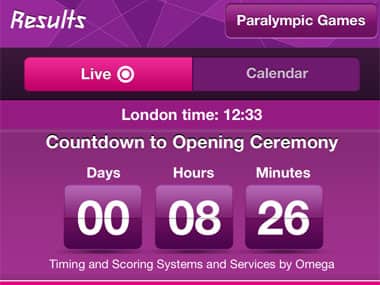 London Results App. Screengrab.[/caption] A very compact tab which should make it very easy for users to follow whichever sport they are interested in. You can also tweet, FB and email any information from the tab itself. • Medals: This tab lets you sort by medallist, by sport, overall and also a special tab with info about the medals for the London Olympics. • Athletes: The Athletes tab will let users search for athletes via country and sport. The first tab is the featured tab which highlights certain players. When you click on say Usain Bolt, it gives you all the information about him, including links to news stories. It also has a special tab for the London 2012 performances of the athletes. Users can share this info on Facebook, Twitter and Email as well. • My Games: In this tab you can set it to your preferred country and get all the info around. There’s a #supportyourteam Twitter embed where you can Tweet a message for your country. Also medals regarding your country will be shown along with the news. You can tap a star next to an event and it will be added to the Favourite tab. You can do the same with an Athletes name. The Reminder will keep a track of whichever event you want to track. The Shop will take you to the London 2012 shop for online merchandise. Pretty cool. As far as iOS goes the app is a super-hit. The Android app, though, is another story – for starters, it needs to stop crashing.
The organisers have launched an official app for sports junkies to keep a track of the results for Olympics. The results app is available for both iOS and Android. Here’s a quick look at some features of the app
Advertisement
End of Article


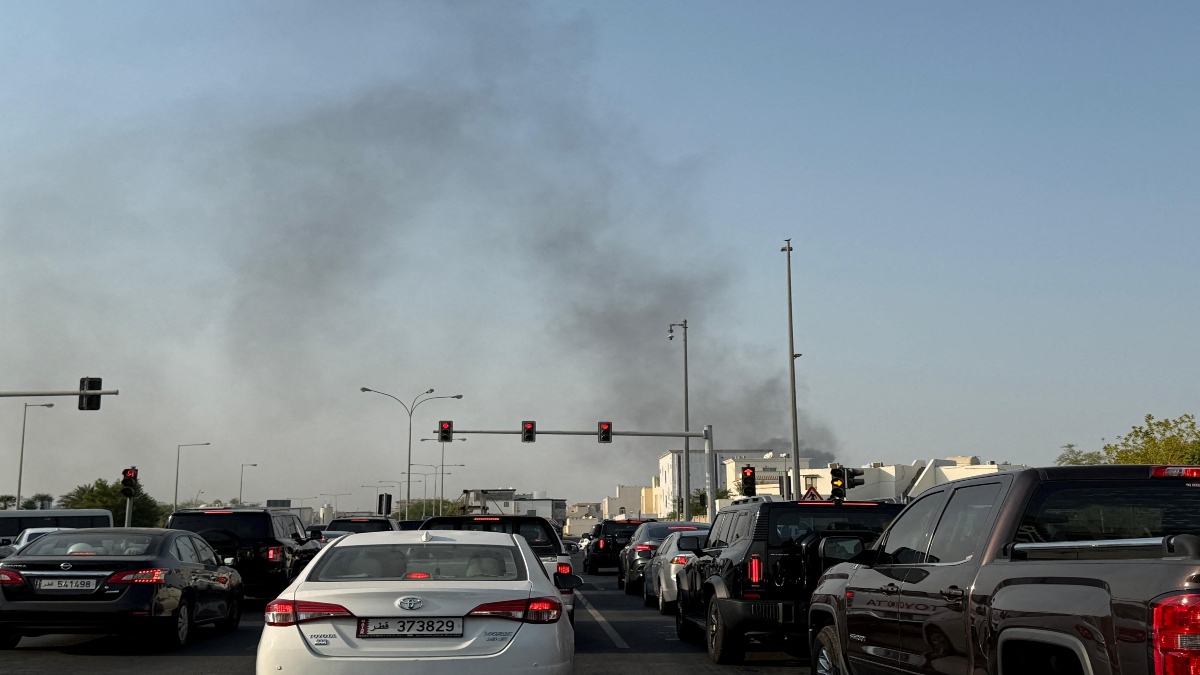 "Israel targets top Hamas leaders in Doha; Qatar, Iran condemn strike as violation of sovereignty")
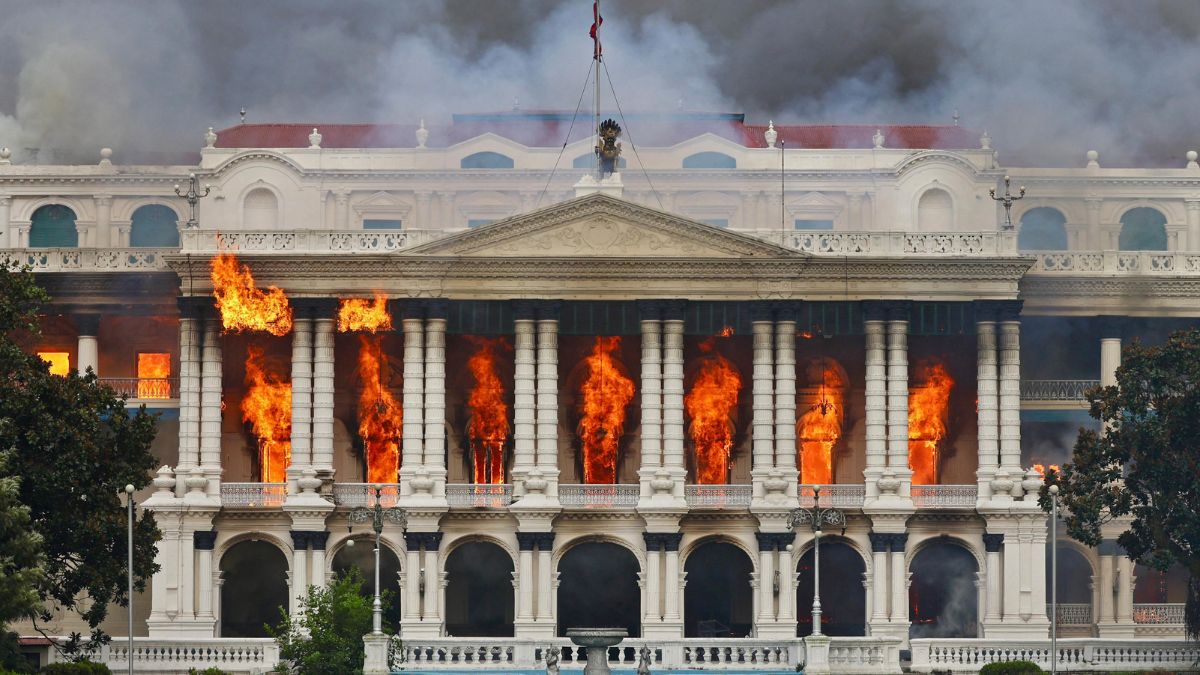 "Nepal: Oli to continue until new PM is sworn in, nation on edge as all branches of govt torched")
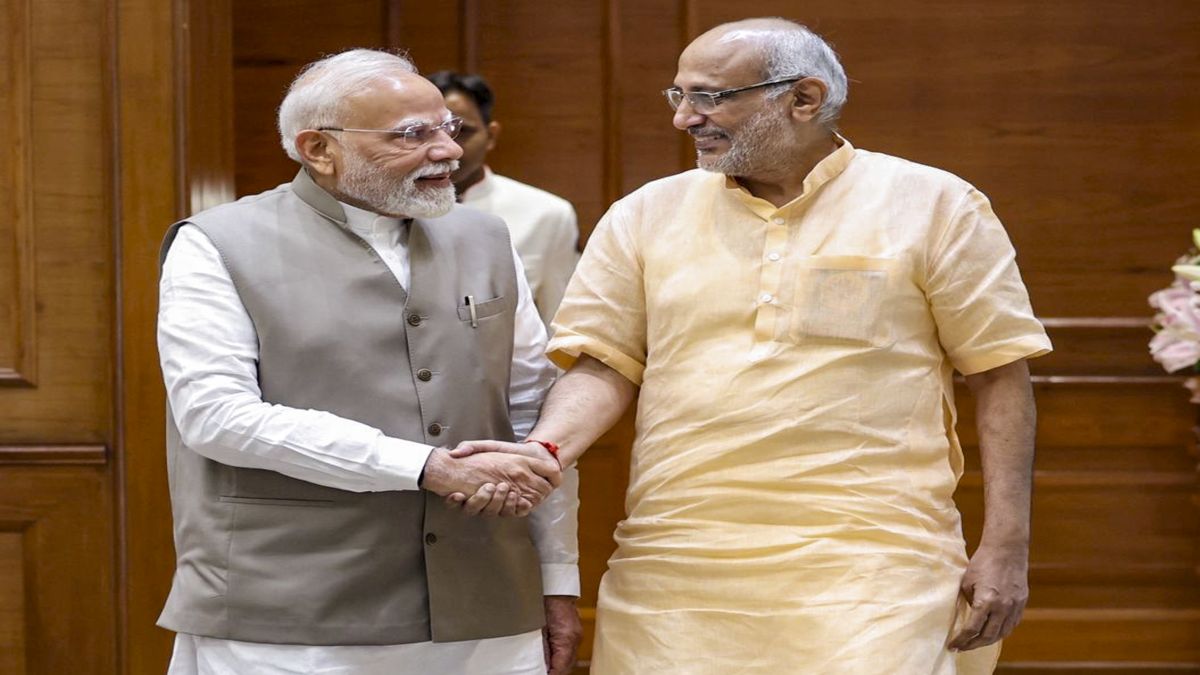 "Who is CP Radhakrishnan, India's next vice-president?")
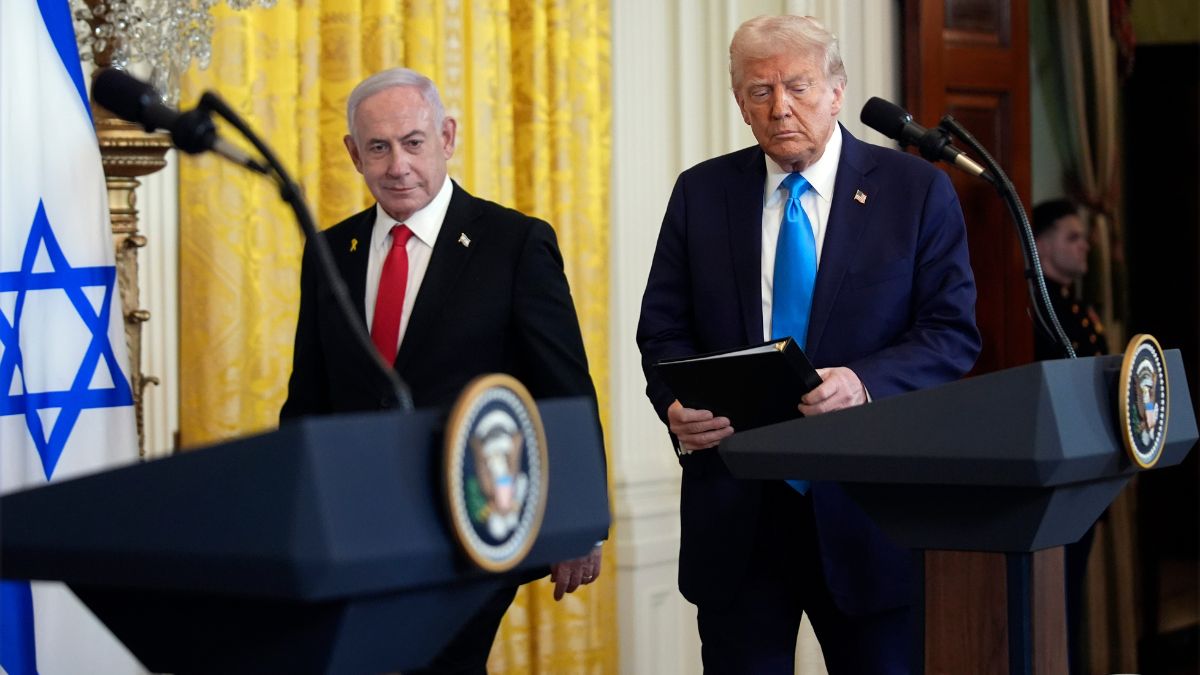 "Israel informed US ahead of strikes on Hamas leaders in Doha, says White House")
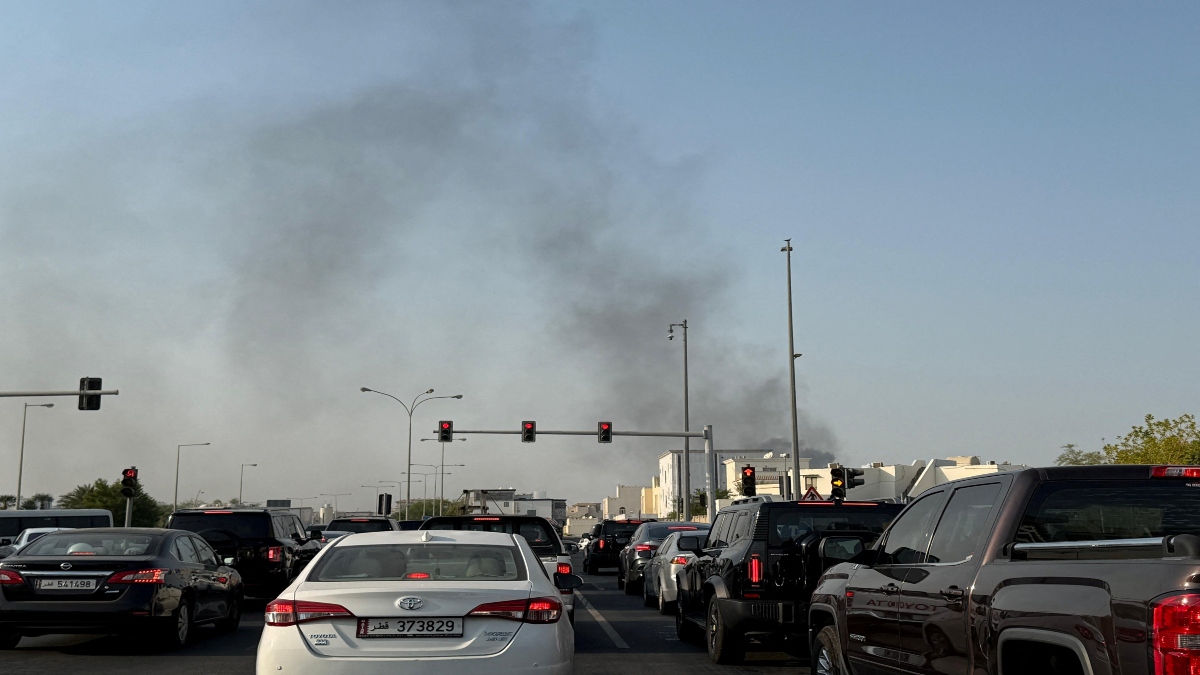 "Israel targets top Hamas leaders in Doha; Qatar, Iran condemn strike as violation of sovereignty")
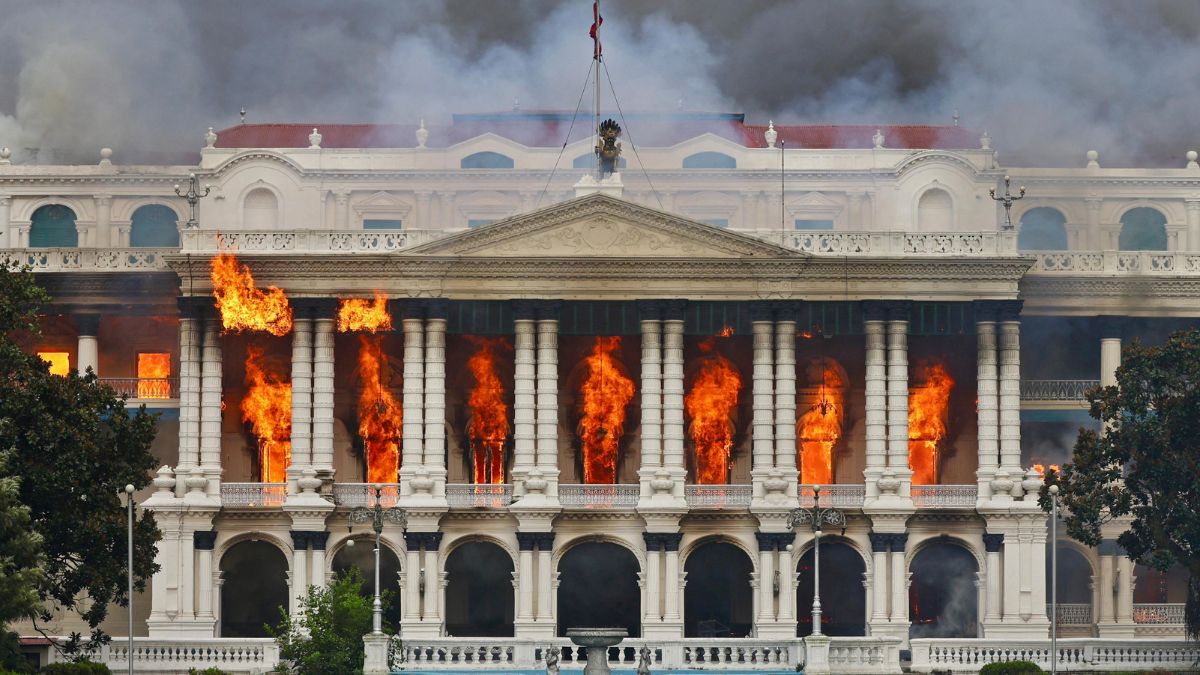 "Nepal: Oli to continue until new PM is sworn in, nation on edge as all branches of govt torched")
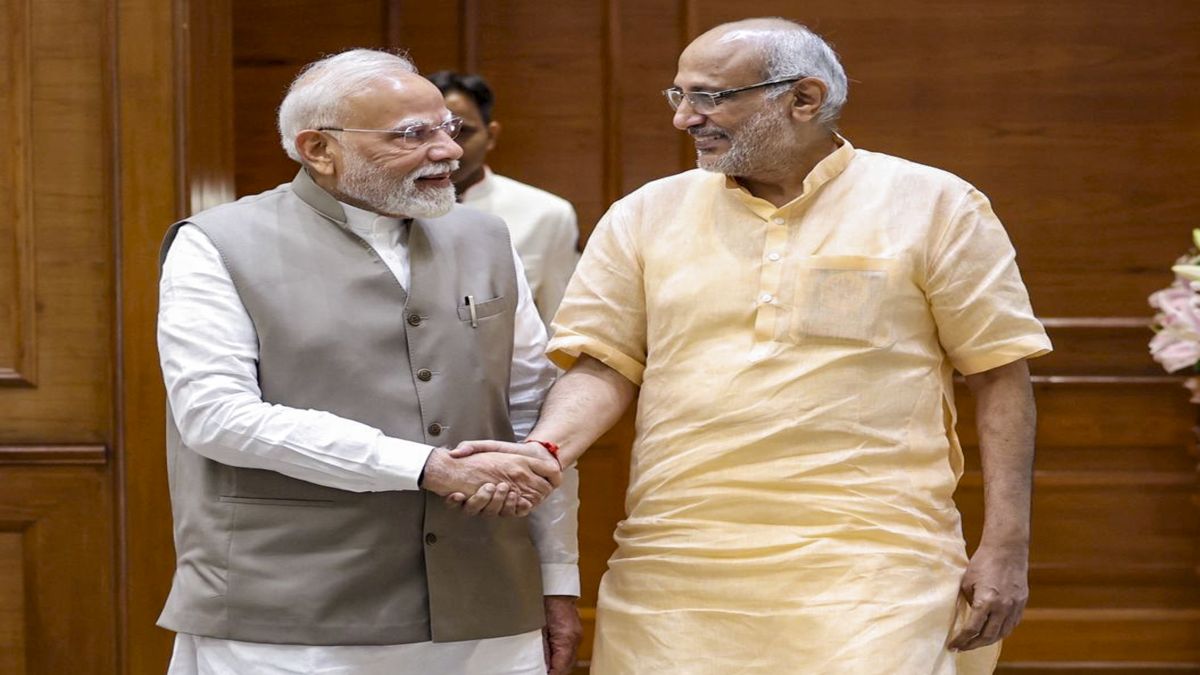 "Who is CP Radhakrishnan, India's next vice-president?")
 "Israel informed US ahead of strikes on Hamas leaders in Doha, says White House")



](https://images.firstpost.com/wp-content/uploads/2012/07/Screengrab_LondonResultsApp.jpg)